Three new agent CLIs: MiMo Code, PenguinHarness and ZCode
Three new agent CLIs, three very different programs: a fork of a CLI we already support, a client/server platform, and a desktop agent’s runtime in a terminal. Each needed its own way in.
NeuroSquad 0.1.281 adds three agent CLIs: MiMo Code from Xiaomi, PenguinHarness from the PrismShadow team, and ZCode from Z.ai. With them the app runs 22 agent CLIs, and “supported” still means the same thing for every one of them: the card knows when the agent works, waits for you or is done; a session survives a restart; the app’s tools arrive by arrow; usage is counted to the token; and you can switch a card to another CLI and back without losing the conversation. This is a Windows release; the Mac app stays on 0.1.230 for now and gets the three CLIs with its next build.
As with the earlier CLIs, every capability the app has for Claude Code was written down as a row of a checklist, and each new CLI got its own document that goes through it row by row: what the CLI has natively, what the app builds around it, and what is impossible and why. MiMo Code came out at 42 rows, PenguinHarness at 48 and ZCode at 43. What made this round interesting is that the three programs have almost nothing in common.
MiMo Code: a fork, and what is its own
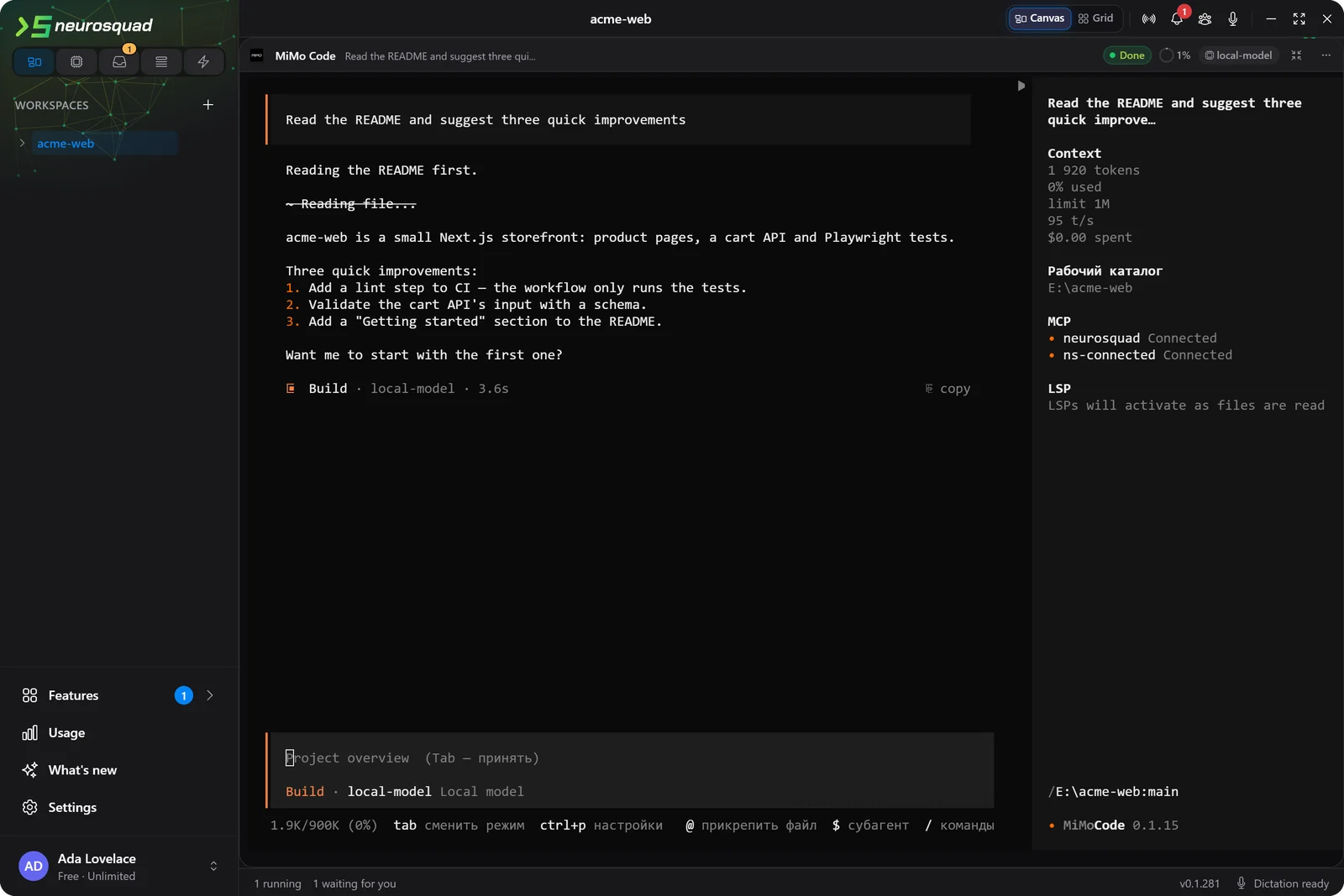
MiMo Code is Xiaomi’s terminal coding agent, open source under MIT, and a fork of OpenCode: the same config merge, plugin API, events and database schema, renamed. NeuroSquad already ran OpenCode and its other fork, Kilo Code, through one shared implementation, so MiMo became the third member of that family instead of a fourth integration — a card gets its own config through MiMo’s environment variable, the NeuroSquad plugin, and the app’s MCP server.
The interesting part was what MiMo added on top. It asks whether you trust the folder before its interface appears; the card launches it with a flag that skips the question for that launch only, so nothing is written to MiMo’s own trust list. It runs subagents inside the parent’s session — “actors” — and the card now stays “working” while they run, with their requests counted once in Usage, Run Stats and Agent Pulse. And it lets a permission question be answered through its own API, which is how dangerous mode works live: switch it on and the next question is answered for you, with no restart, as with Claude Code.
PenguinHarness: a server, and an agent per card
PenguinHarness is not one terminal program but a platform: a server that owns a data folder with projects, agents and sessions, a web app, and a chat client in the terminal. An agent’s tools, hooks and instructions live in that folder, not in command-line flags. And the first chat would start the server on its own, detached, with the environment of whichever card happened to start first — so one card’s keys could end up in every agent’s shell.
So NeuroSquad runs its own Penguin server for its own data folder, started from a clean environment and stopped when the app quits, and every card becomes its own Penguin agent in it, with the NeuroSquad hooks, the app’s MCP server and its instructions. Your own ~/.penguin is only read: the models and keys you set up there are copied into the app’s project config on every launch, so a card runs on what penguin runs on in your terminal. Approvals go through a hook the card answers, which gives live dangerous mode and a canvas mode that holds even then; the interrupt goes through the server, because Ctrl+C in an idle Penguin chat asks to quit.
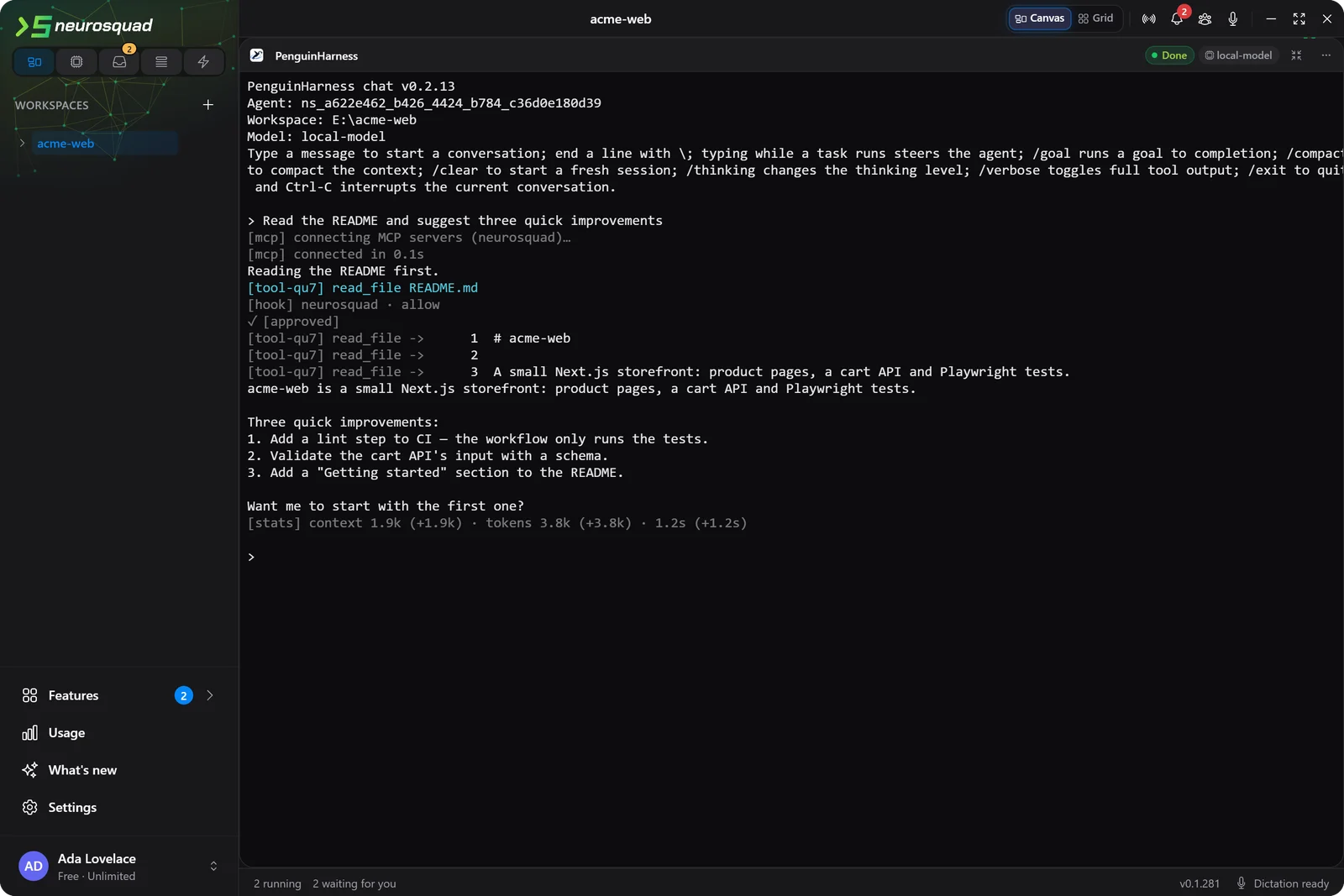
Two limits are Penguin’s current release, not the app. On 0.2.13 the hook that runs on every prompt does not exist yet, so Caveman, Memory, Context7 and Graphify cannot add their context — their tools by arrow still work — and there is no way to change a running session’s model, so a model change starts a new session that points back to the old one. Both work unchanged on Penguin’s main branch, which was checked by building it from source. The live run also found a real bug on our side: provider groups the app created were ignored by 0.2.13, and requests went to the default OpenAI address; every group now carries its own client type and endpoint.
ZCode: one settings file, and a preload
ZCode is Z.ai’s agentic coding environment for its GLM models. Z.ai published its source in September 2026, and the same agent runtime that powers its desktop app also builds into a zcode command. Z.ai ships no ready-made CLI download, so what a person installs on Windows today is an unofficial npm package that carries Z.ai’s runtime unchanged — that is what the setup wizard installs and what was tested.
ZCode takes almost nothing from the command line, and its settings file — hooks, MCP servers, tool permissions — has one fixed path in your home folder with no switch to move it. Writing our hooks into your file was not an option. So a ZCode card starts ZCode’s own launcher with a small preload: inside ZCode’s processes only, reads and writes of that one file go to the card’s copy, which is your settings plus the card’s hooks and servers. Tokens and keys are written there only as placeholders, filled from the environment when ZCode reads them, and then removed from the environment ZCode’s commands run in — a card running echo on the token variable prints nothing.
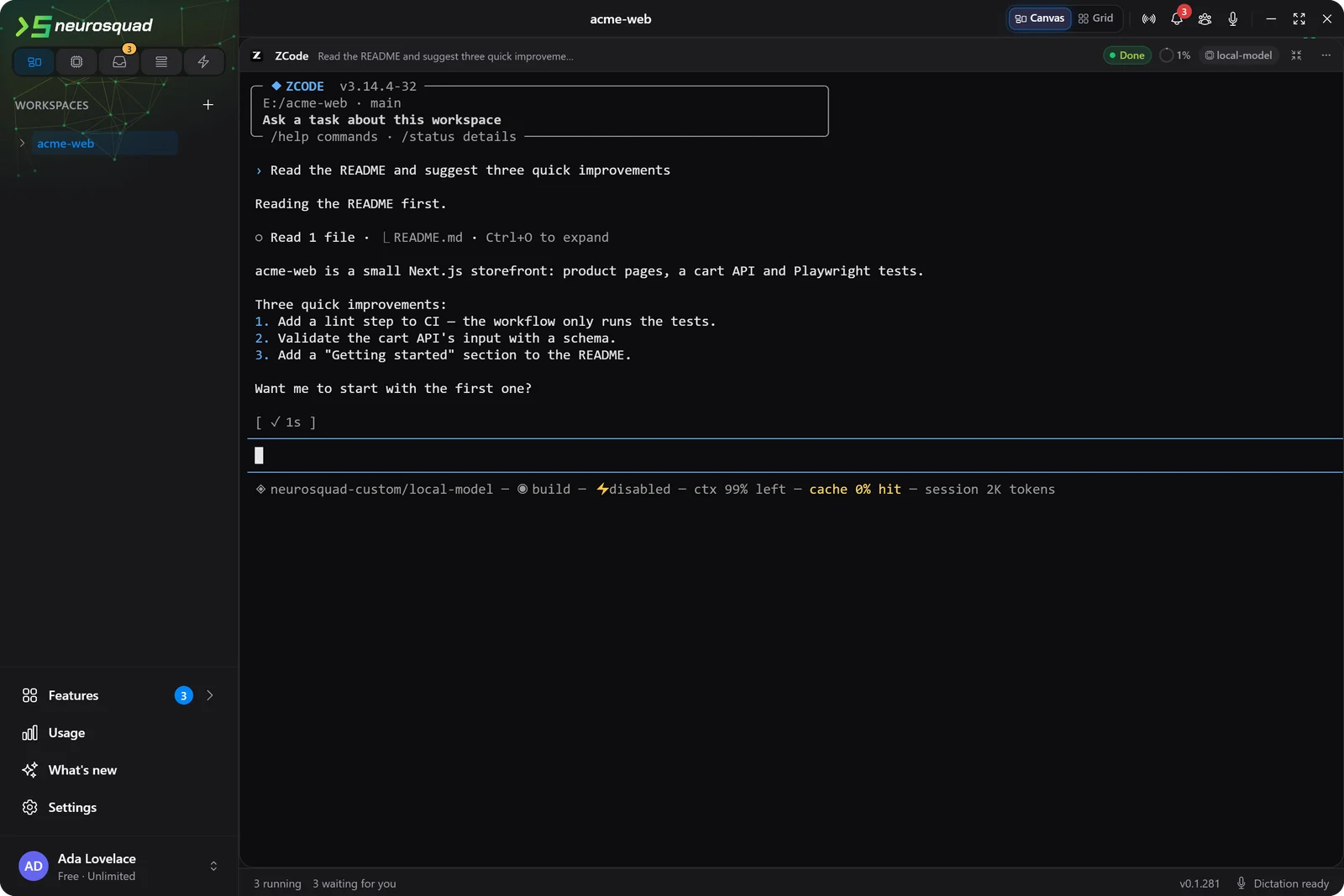
One decision is worth naming. ZCode has an automatic project memory that calls the model after every turn, and those calls are recorded nowhere — not in its usage ledger, not in a readable log. Usage in NeuroSquad is exact or it says it does not know, so in a card that memory is off unless you turned it on yourself in your own ZCode settings. If you did, you get it, and those calls are missing from Usage. Dangerous mode in ZCode is a launch mode, so switching it restarts the card and resumes the same session.
How it was tested
Each CLI was installed into its own scratch folder, never globally, and driven by a separate copy of the app with its own profile, a scratch home folder and a scripted model server on the loopback interface — so no real config or login of anyone’s was read, and every status, permission question, interrupt and subagent could be produced on demand. Usage was checked against the model server’s own log: the requests each card counted, split into main agent and subagents, had to match it exactly. The screenshots in this post come from the same setup.
Some rows stay empty, and the documents say why: none of the three runs in WSL or SSH workspaces yet, Penguin cannot rewrite a shell command before it runs (its hook can only allow or deny), and after Escape ZCode’s terminal interface swallows the next key, as pi and omp do.
Each CLI has its own page: MiMo Code, PenguinHarness and ZCode, with setup details in the docs. The full list of changes is in the 0.1.281 changelog. NeuroSquad updates itself; a new install starts from the download page.